For Panasonic ACs on MirAIe · Mac & Android
Every setting,
one tap away.
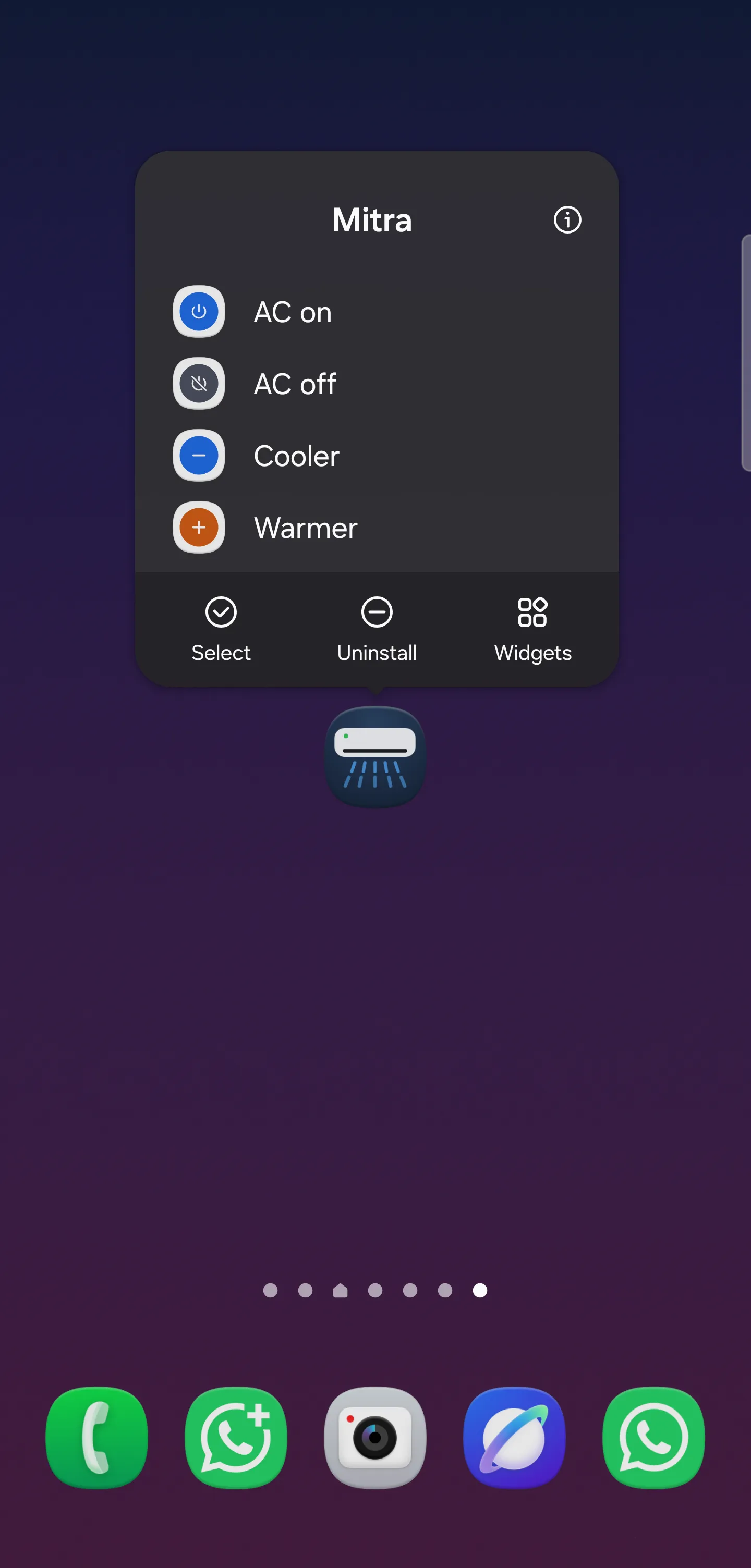
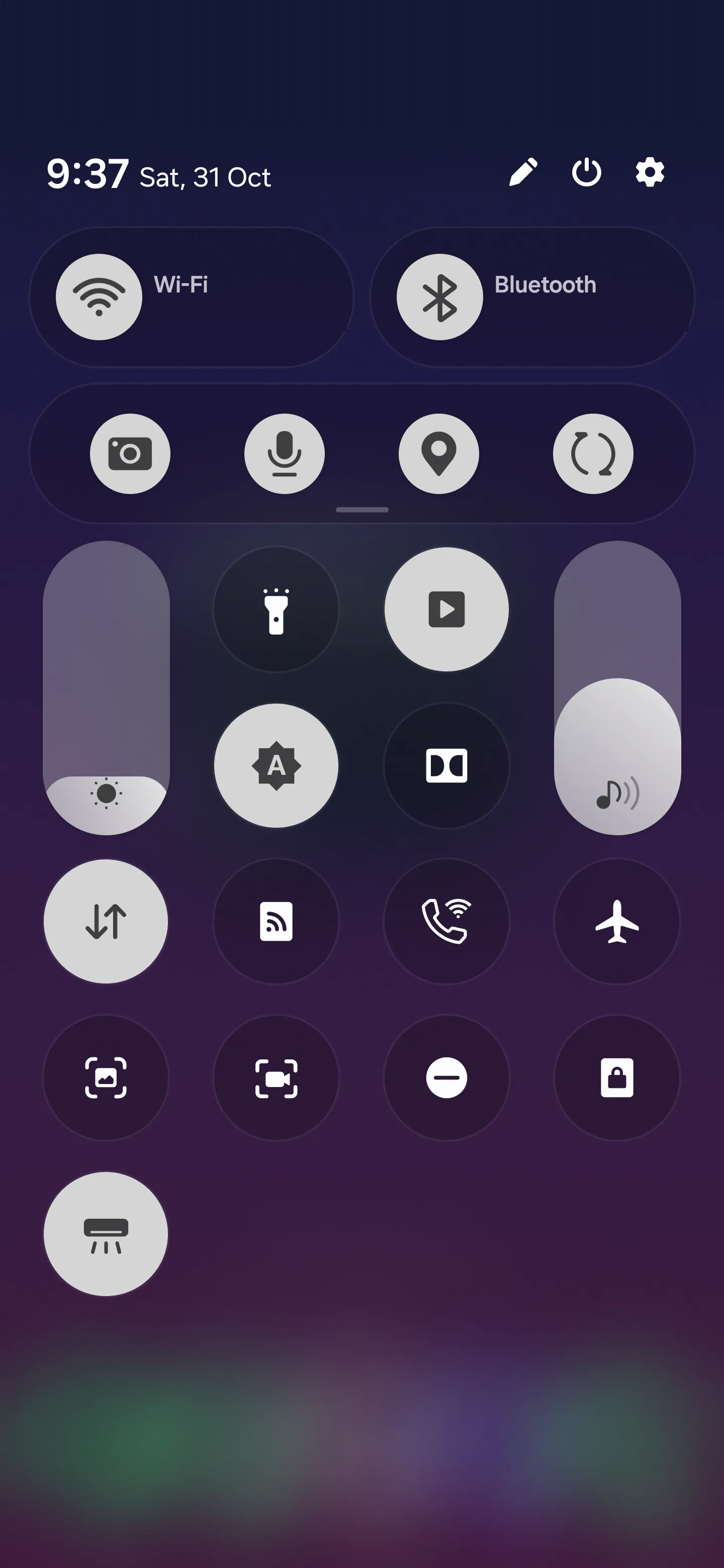
Mitra lays out every mode, fan speed and air direction of your AC at once, and draws the air while it flows. A free, open-source alternative to the MirAIe app.
Go on, try the panel. It’s the real thing, minus the AC.
Lay it all out
No more cycling.
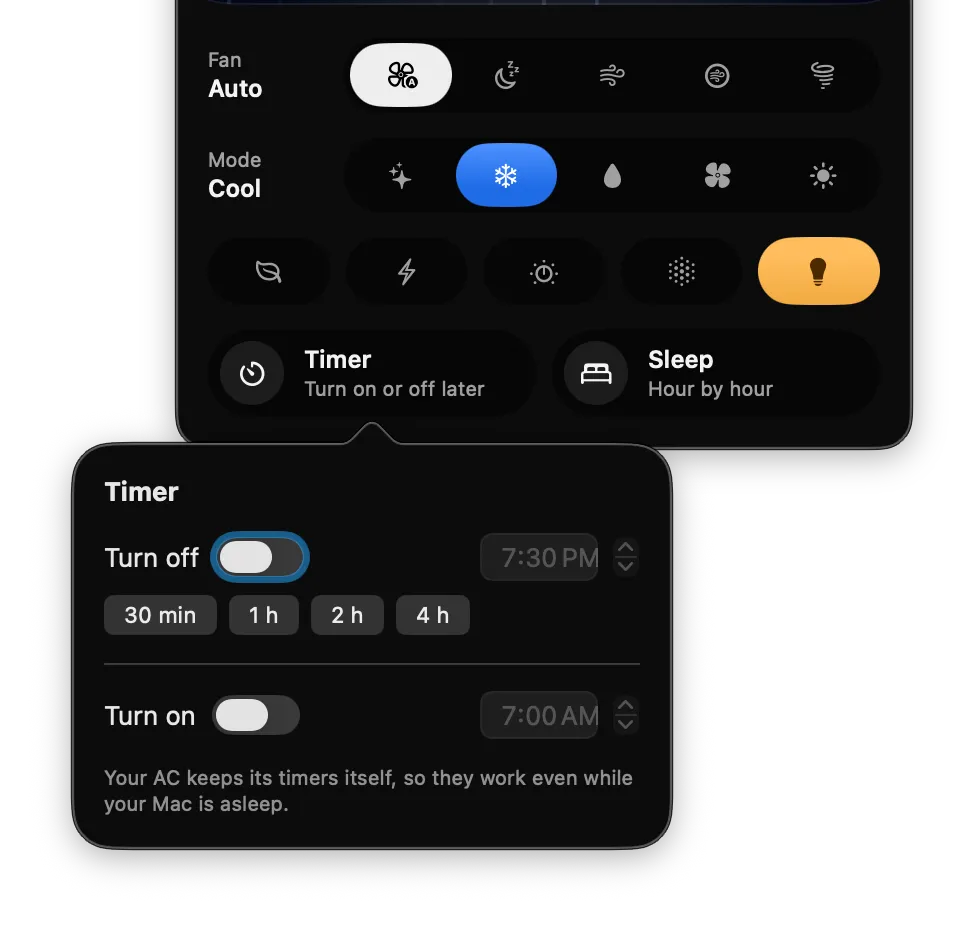
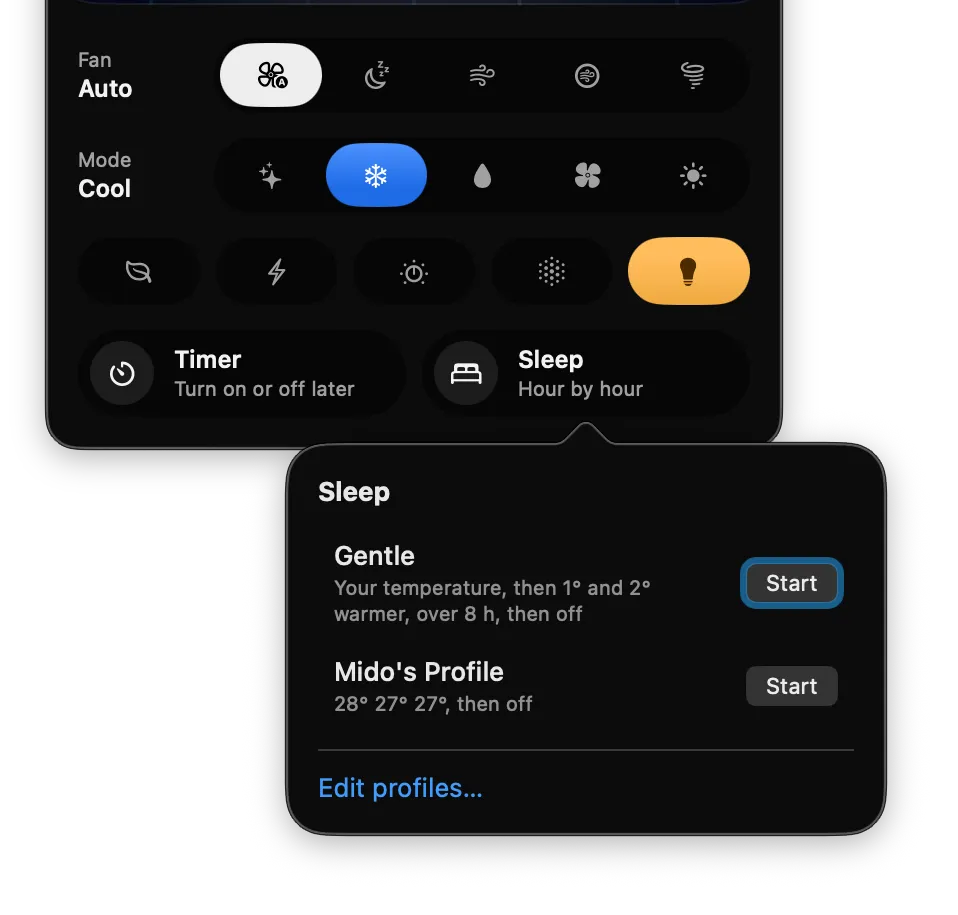
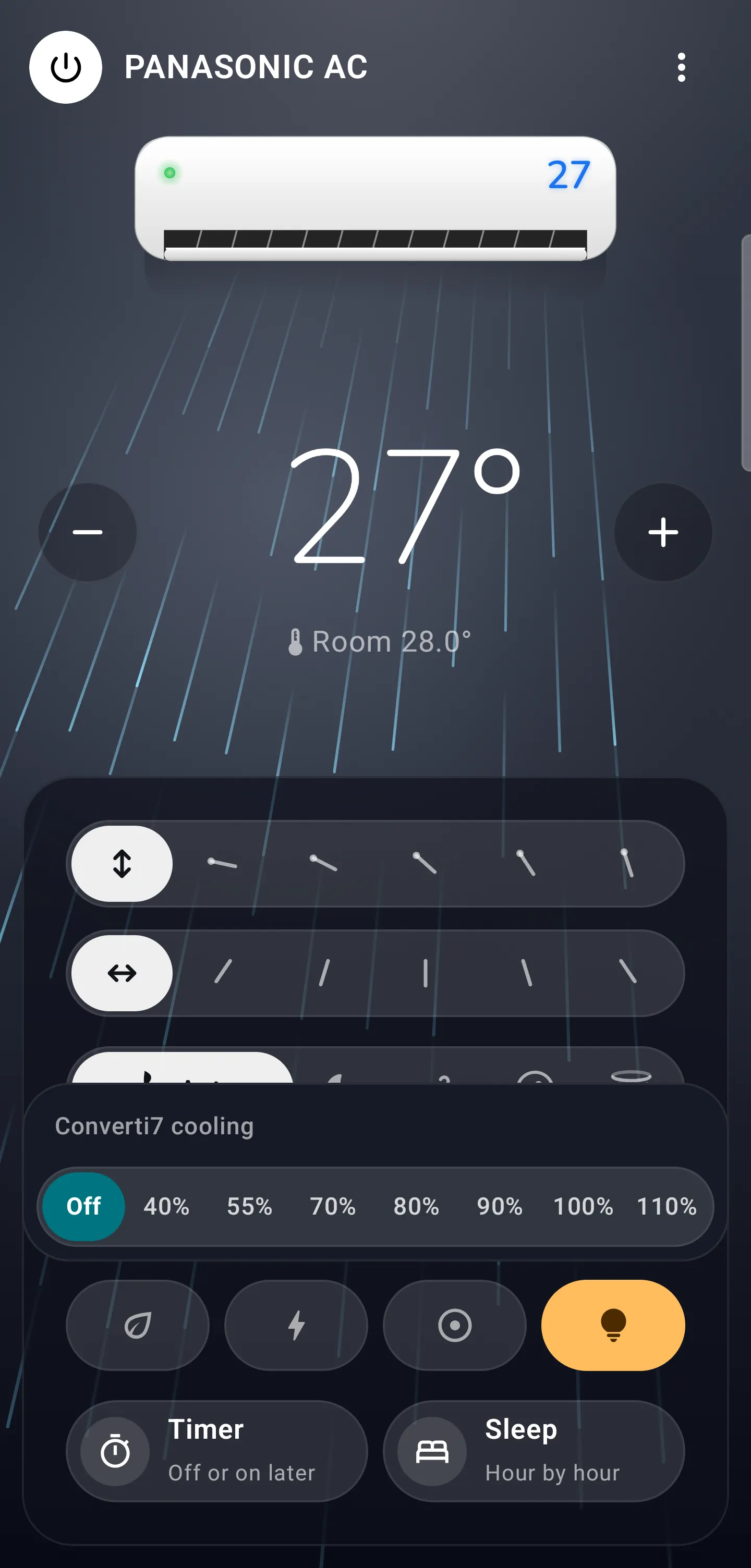
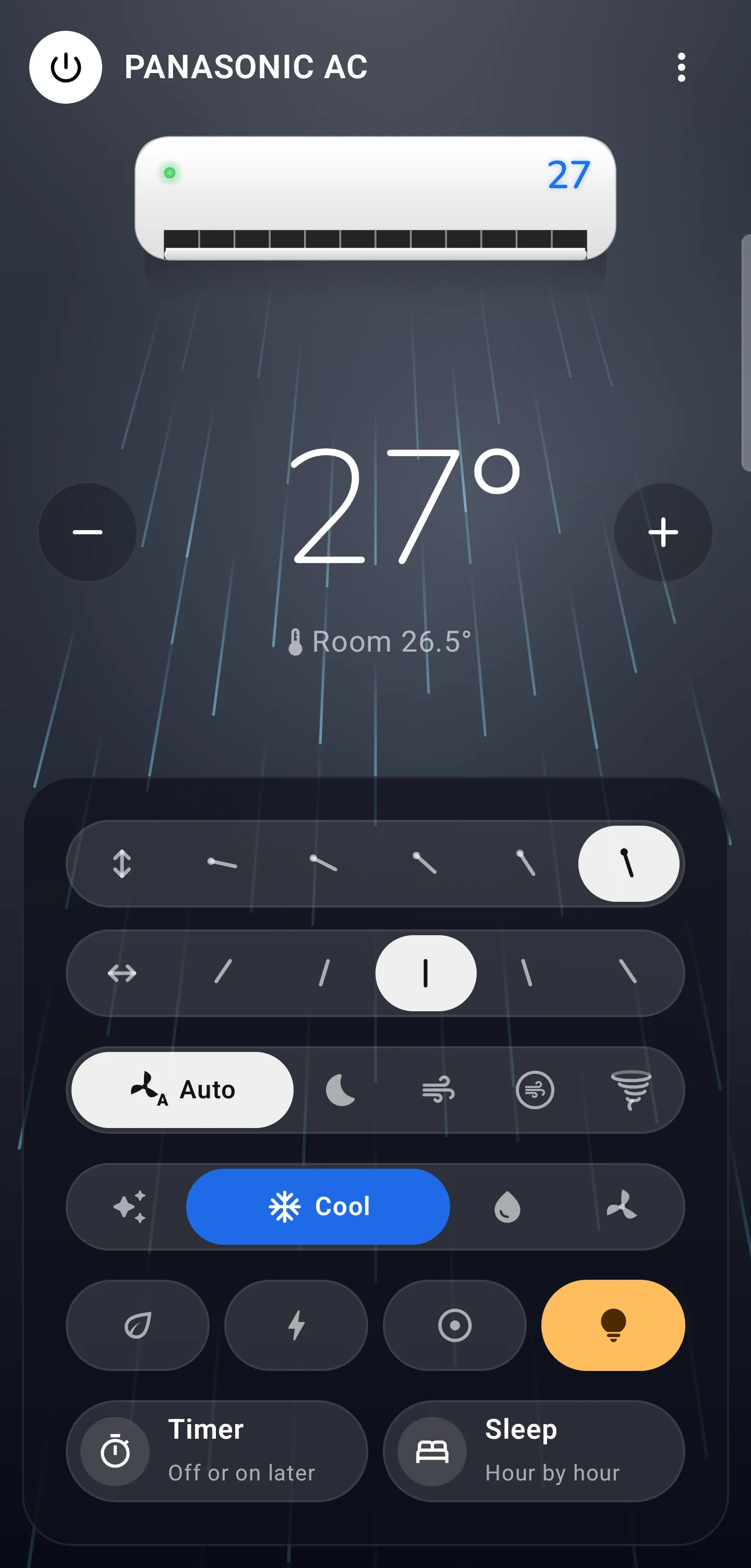
The remote makes Mode a single button: Auto, Cool, Dry, tap after tap. Mitra puts every mode side by side, so Dry is one tap. Fan speed and air direction too.
Draw the air
See what your AC is doing.
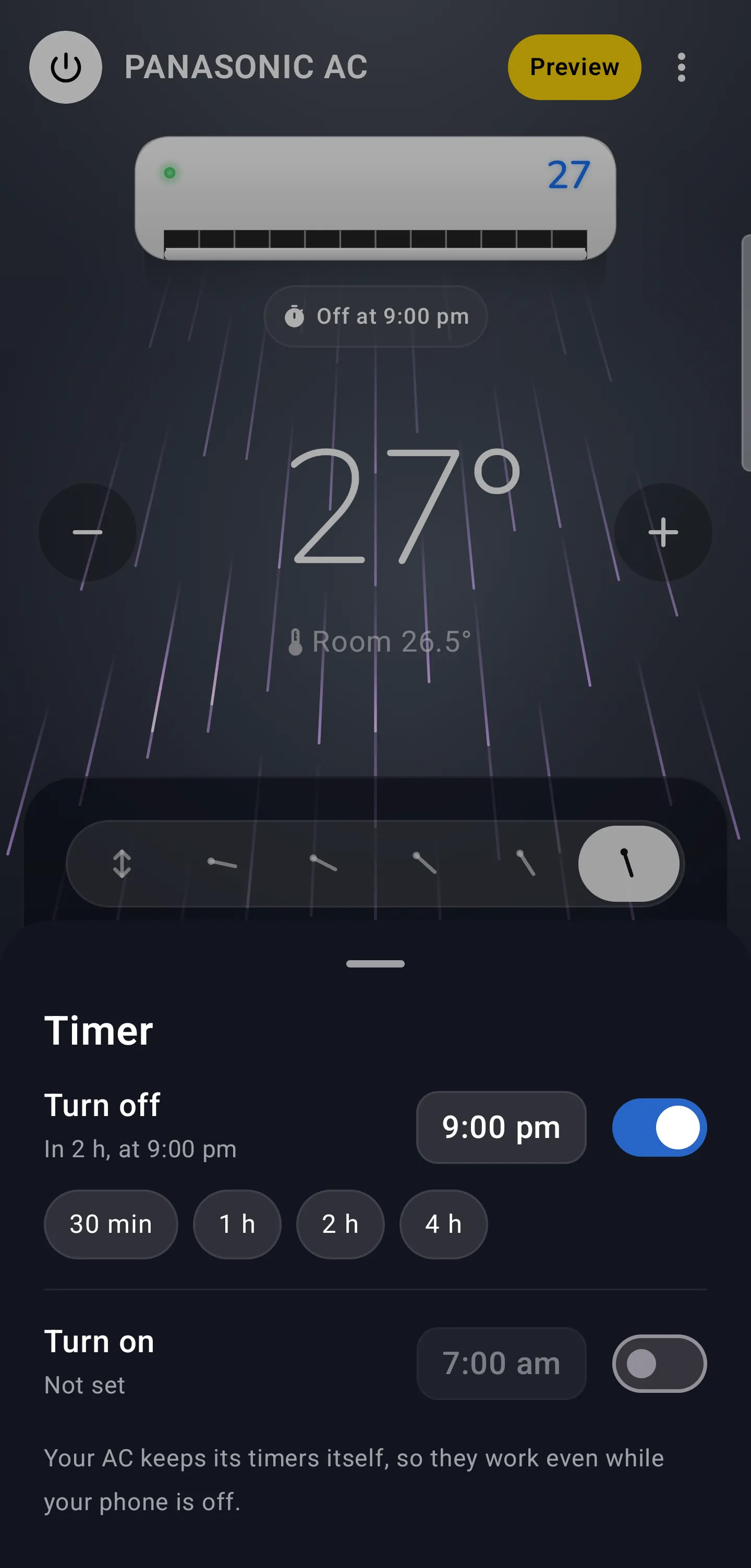
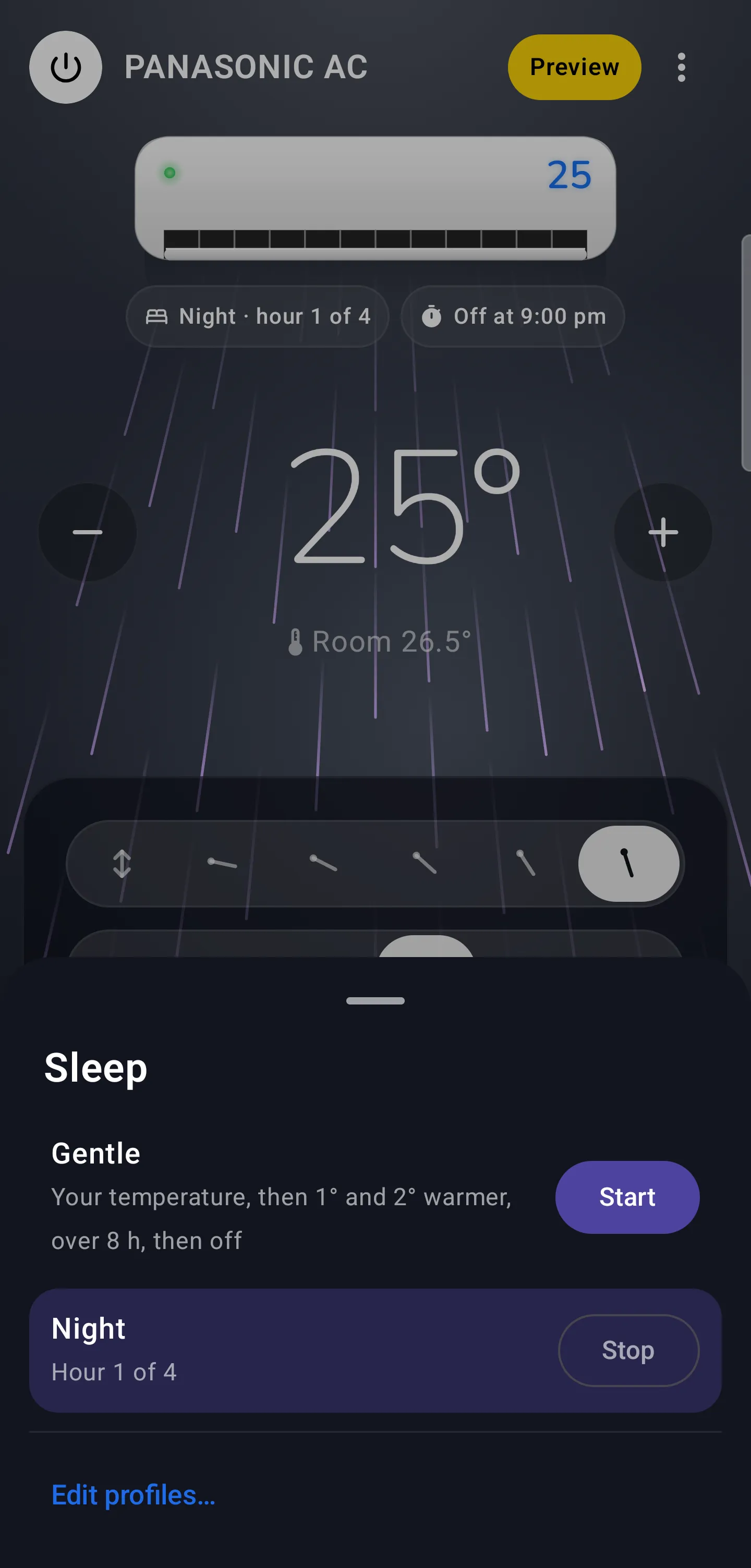
Mitra draws your unit blowing air the way it really does. The flap tilts to the louver you pick; on swing, the air sweeps up and down and side to side at the unit’s own pace.
Fan speed
Quiet drifts. High rushes.
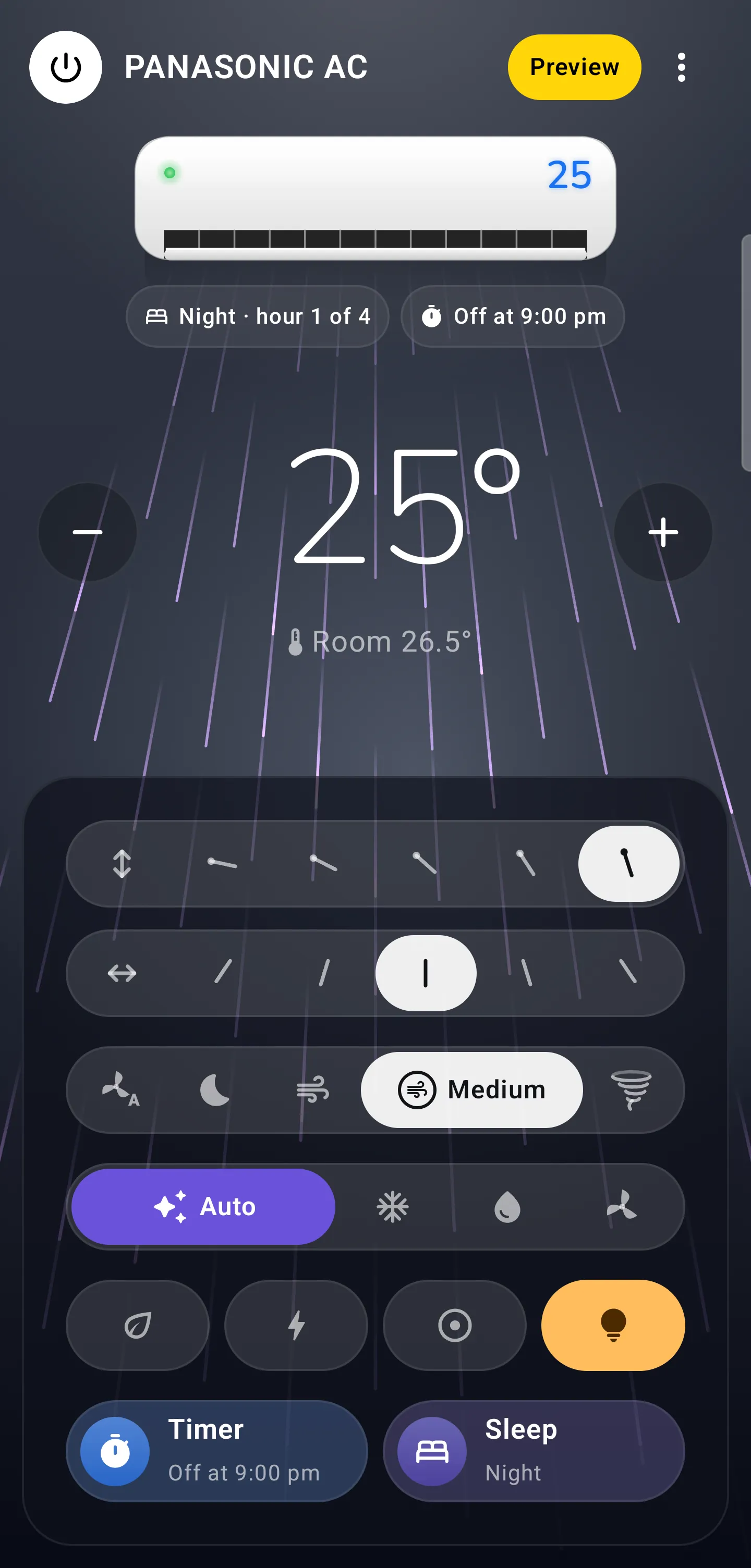
Auto, Quiet, Low, Medium and High, named just as the MirAIe app names them. The air takes on each one’s pace, so a glance tells you how hard it’s working.
Only what you have
Warm air rises.
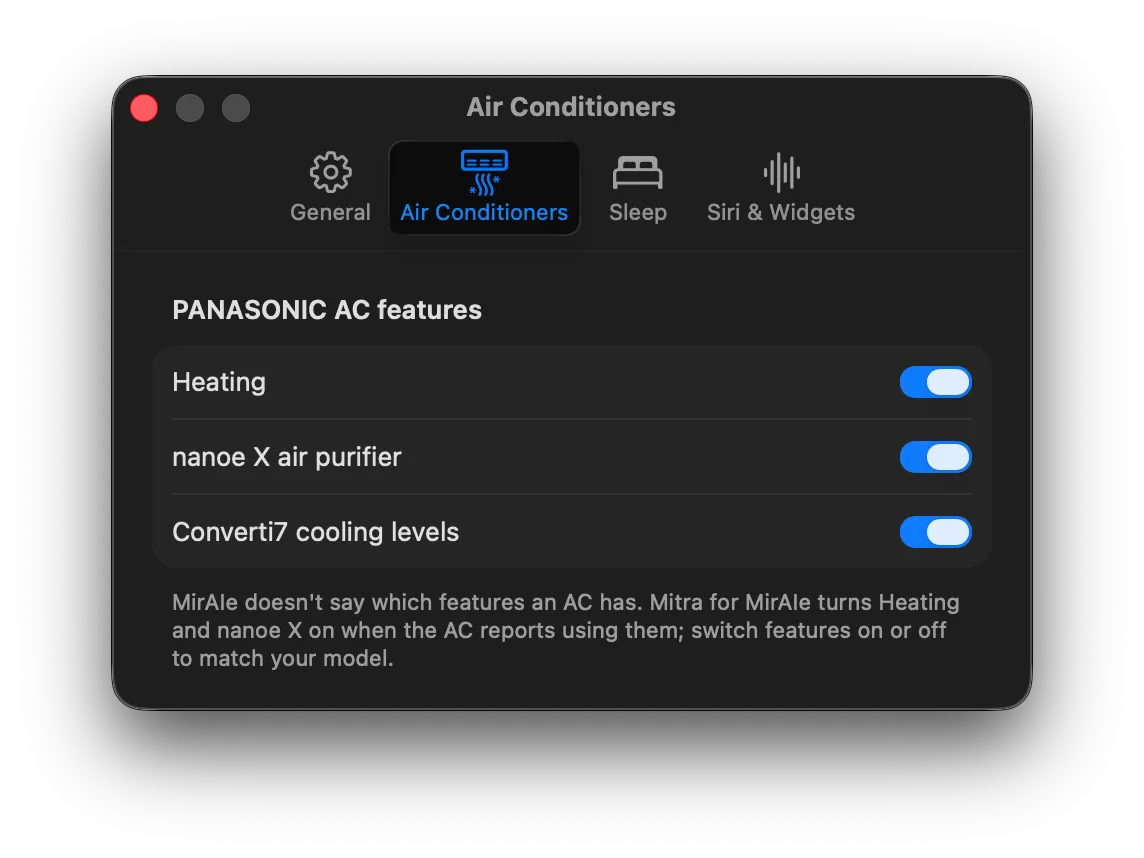
Heat and nanoe X appear when your unit reports them, and you can switch features on or off for each AC. The panel never offers a button that does nothing.
Always in sync
Off, gently.
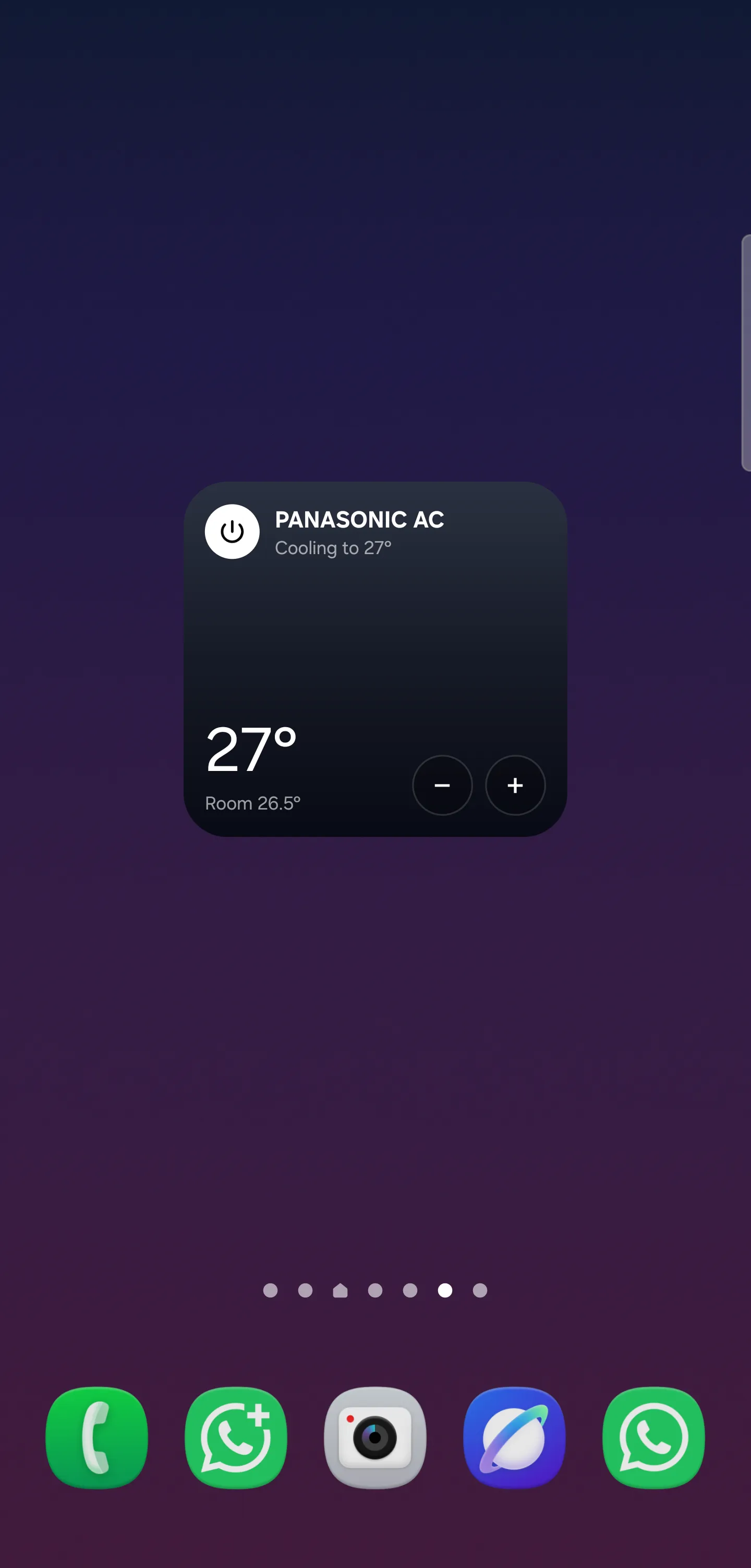
The fan winds down, the air thins out and the flap swings shut, like the real thing. Change anything with the remote or the MirAIe app and Mitra follows straight away.